 Cutout
 الأصل
الأصلصور المنتجات
Magic wandClick the background color.
 Cutoutby vztool
أزل الخلفية القديمة، وحسّن الحواف، واحفظ الصورة على خلفية بيضاء. تبقى صورتك في المتصفح.
Your images stay on your device.
TRY IT YOURSELF
Try people, pets and products. AI previews below are actual processed results.
CutoutالأصلClick the background color.
 Cutout
 الأصل
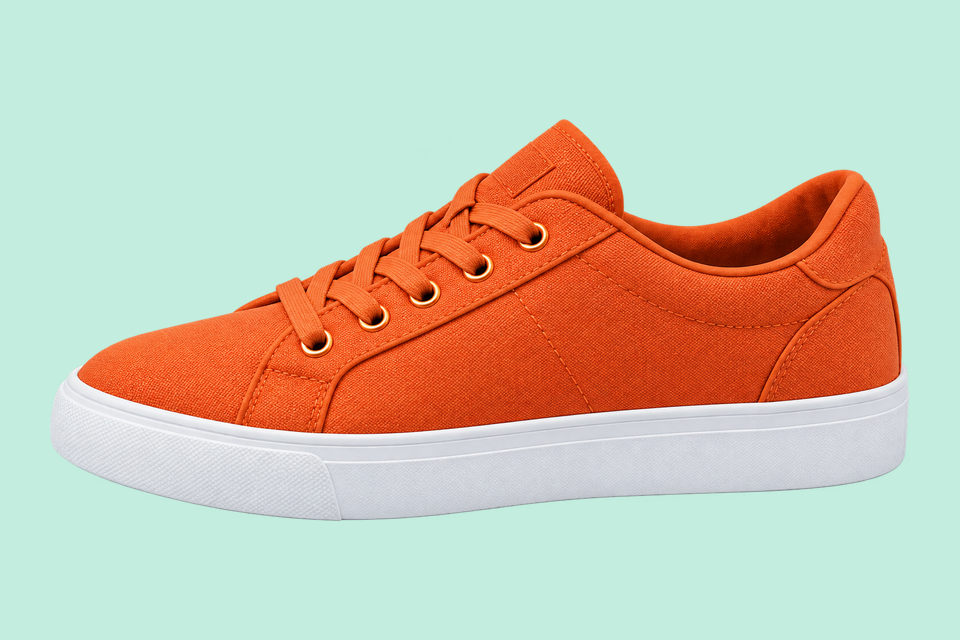
الأصلRemove the solid backdrop in one click.
 Cutout
 الأصل
الأصلClick the backdrop to keep the fruit.
 Cutout
 الأصل
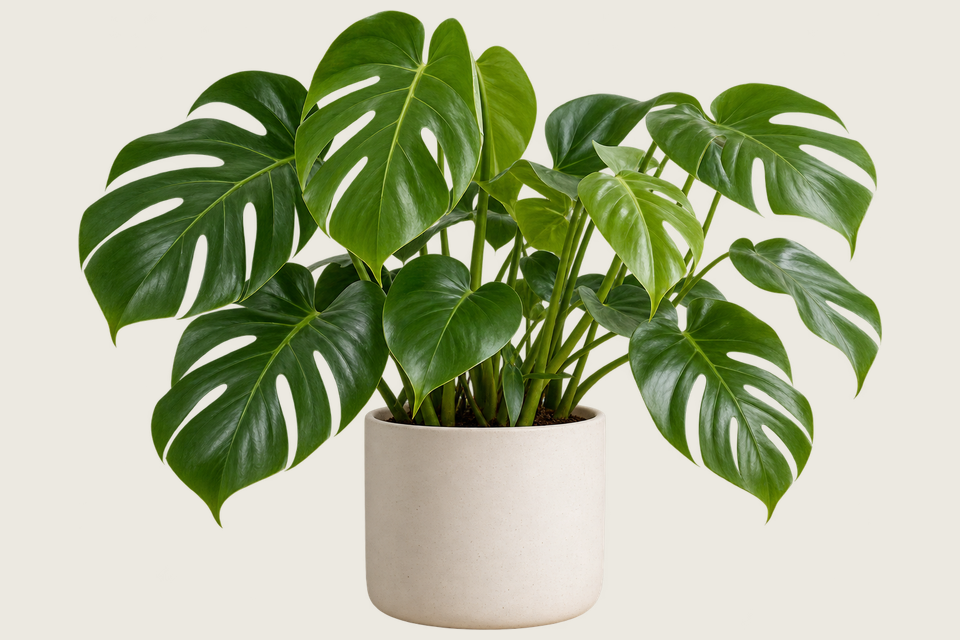
الأصلKeep the shape you choose.
 قص بالذكاء الاصطناعي
 الأصل
الأصلRemove a garden background and keep natural curls.
 قص بالذكاء الاصطناعي
 الأصل
الأصلSeparate soft fur from a busy background.
 قص بالذكاء الاصطناعي
 الأصل
الأصلTry AI background removal on fine fur and whiskers.
 قص بالذكاء الاصطناعي
 الأصل
الأصلKeep colorful feathers and remove the greenery.
 قص بالذكاء الاصطناعي
 الأصل
الأصلUse AI to remove the background inside the handle.
 قص بالذكاء الاصطناعي
 الأصل
الأصلTry AI on lettering and enclosed spaces.
From photo to finished cutout, in four steps.
Drop a JPG, PNG or WebP, or try an example.
Click a color, draw a selection, or run AI cutout.
Zoom in, erase or restore, and soften the edge when needed.
Download a transparent PNG, a background-filled JPG, or the mask.
For areas with similar colors.
For a shape you define.

For subjects on complex backgrounds.
أزل الخلفية القديمة، وحسّن الحواف، واحفظ الصورة على خلفية بيضاء. تبقى صورتك في المتصفح.
اختر القص بالذكاء الاصطناعي للخلفيات المعقدة أو Classic للخلفيات ذات اللون الواحد. ابدأ المعالجة عندما تكون جاهزًا.
JPG uses a white background. Choose PNG for transparency.
ابدأ الإبداعHELP
Quick answers before your next cutout.
يصدّر الدفعة PNG شفافًا بالحجم الأصلي ما لم تطبّق قالب منتج.
إزالة الخلفية بالذكاء الاصطناعي مجانية. بعد كل 3 عمليات ناجحة اختر منصة مشاركة لإغلاق النافذة والمتابعة. لا تُحتسب العمليات الفاشلة أو الملغاة.
No. Classic works without AI. Remove a simple background, use the magic wand or draw a lasso. AI cutout is optional for complex subjects.
Use a solid or nearly solid background with a subject of a different color. Gradients, shadows, subjects touching the border and matching colors may need a magic wand or lasso. An uncertain background is left unchanged.
تبقى صورك على جهازك. تستخدم المشاركة صورة ترويجية جاهزة لـ Cutout ورابط الأداة، ولا تشمل صورك الخاصة مطلقًا.
JPG, JPEG, PNG and WebP up to 25 MiB. Images must also fit within 24 million pixels and 16,384 pixels on either side. Invalid replacements leave your current image in place.

