 Cutout
 Original
Photos de produits
Magic wandClick the background color.
 Cutoutby vztool
Retirez le fond d’origine, choisissez une couleur ou votre propre photo et enregistrez le résultat en PNG ou JPG. Les deux images restent dans votre navigateur.
Your images stay on your device.
TRY IT YOURSELF
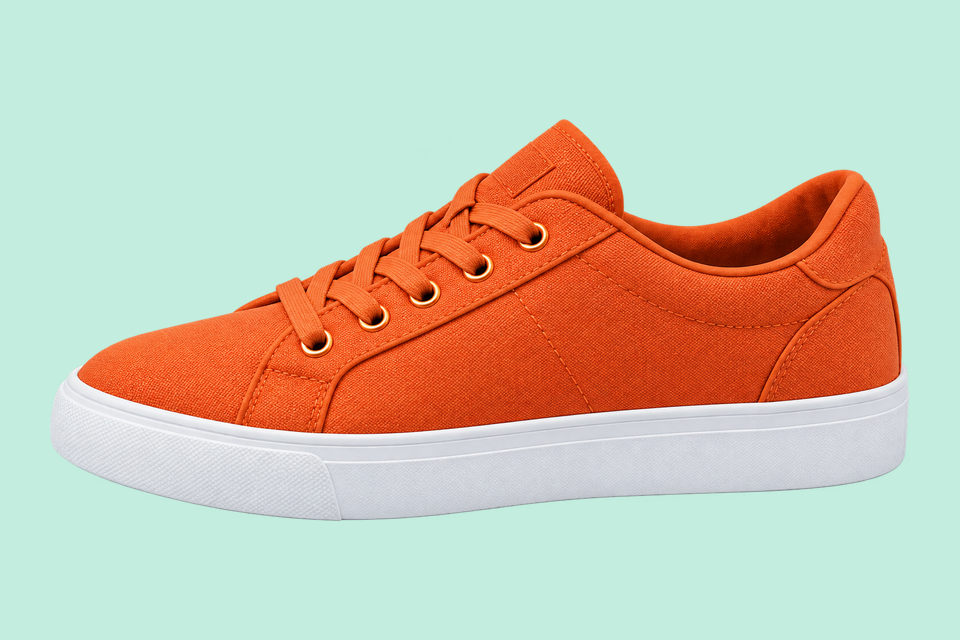
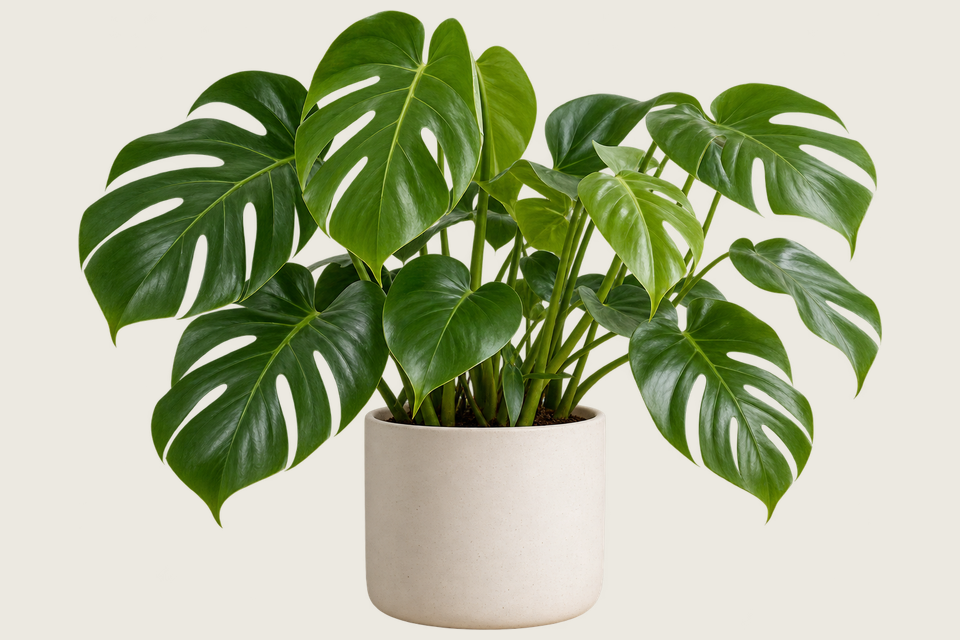
Ces comparaisons préparées montrent des détourages sur fond menthe. Essayer cette image charge l’original ; retirez son fond, puis choisissez une couleur ou une photo.
CutoutOriginalClick the background color.
 Cutout
 Original
Remove the solid backdrop in one click.
 Détourage IA
 Original
Remove a garden background and keep natural curls.
From photo to finished cutout, in four steps.
Drop a JPG, PNG or WebP, or try an example.
Click a color, draw a selection, or run AI cutout.
Zoom in, erase or restore, and soften the edge when needed.
Download a transparent PNG, a background-filled JPG, or the mask.
For areas with similar colors.
For a shape you define.

For subjects on complex backgrounds.
Retirez le fond d’origine, choisissez une couleur ou votre propre photo et enregistrez le résultat en PNG ou JPG. Les deux images restent dans votre navigateur.
Retirez d’abord le fond d’origine avec Classic ou le détourage IA, puis affinez les contours. Choisir un nouveau fond ne supprime pas l’ancien.
Commencez avec le vert menthe, choisissez une couleur ou importez une photo de fond. La photo remplit le canevas ; ajustez sa position horizontale et verticale pour choisir le cadrage.
Changer le fond réutilise le détourage existant. Cela ne relance pas l’IA et ne génère pas de nouveau décor.
Le PNG enregistre aussi le fond choisi. Sélectionnez Transparent pour un détourage sans fond ; le JPG remplit les zones transparentes en blanc.
Démarrer la créationHELP
Quick answers before your next cutout.
Le lot exporte des PNG transparents à la taille originale, sauf si vous appliquez un modèle produit.
Le détourage par IA est gratuit. Après 3 détourages réussis, choisissez une plateforme pour fermer l’invite et continuer. Les échecs et annulations ne comptent pas.
No. Classic works without AI. Remove a simple background, use the magic wand or draw a lasso. AI cutout is optional for complex subjects.
Use a solid or nearly solid background with a subject of a different color. Gradients, shadows, subjects touching the border and matching colors may need a magic wand or lasso. An uncertain background is left unchanged.
Vos images restent sur votre appareil. Le partage utilise un visuel promotionnel préparé de Cutout et le lien, jamais vos propres images.
JPG, JPEG, PNG and WebP up to 25 MiB. Images must also fit within 24 million pixels and 16,384 pixels on either side. Invalid replacements leave your current image in place.

