 Cutout
 Asli
AsliFoto produk
Magic wandClick the background color.
 Cutoutby vztool
Hapus latar lama, rapikan tepi, dan simpan foto berlatar putih. Gambar tetap di browser Anda.
Your images stay on your device.
TRY IT YOURSELF
Try people, pets and products. AI previews below are actual processed results.
CutoutAsliClick the background color.
 Cutout
 Asli
AsliRemove the solid backdrop in one click.
 Cutout
 Asli
AsliClick the backdrop to keep the fruit.
 Cutout
 Asli
AsliKeep the shape you choose.
 Potong dengan AI
 Asli
AsliRemove a garden background and keep natural curls.
 Potong dengan AI
 Asli
AsliSeparate soft fur from a busy background.
 Potong dengan AI
 Asli
AsliTry AI background removal on fine fur and whiskers.
 Potong dengan AI
 Asli
AsliKeep colorful feathers and remove the greenery.
 Potong dengan AI
 Asli
AsliUse AI to remove the background inside the handle.
 Potong dengan AI
 Asli
AsliTry AI on lettering and enclosed spaces.
From photo to finished cutout, in four steps.
Drop a JPG, PNG or WebP, or try an example.
Click a color, draw a selection, or run AI cutout.
Zoom in, erase or restore, and soften the edge when needed.
Download a transparent PNG, a background-filled JPG, or the mask.
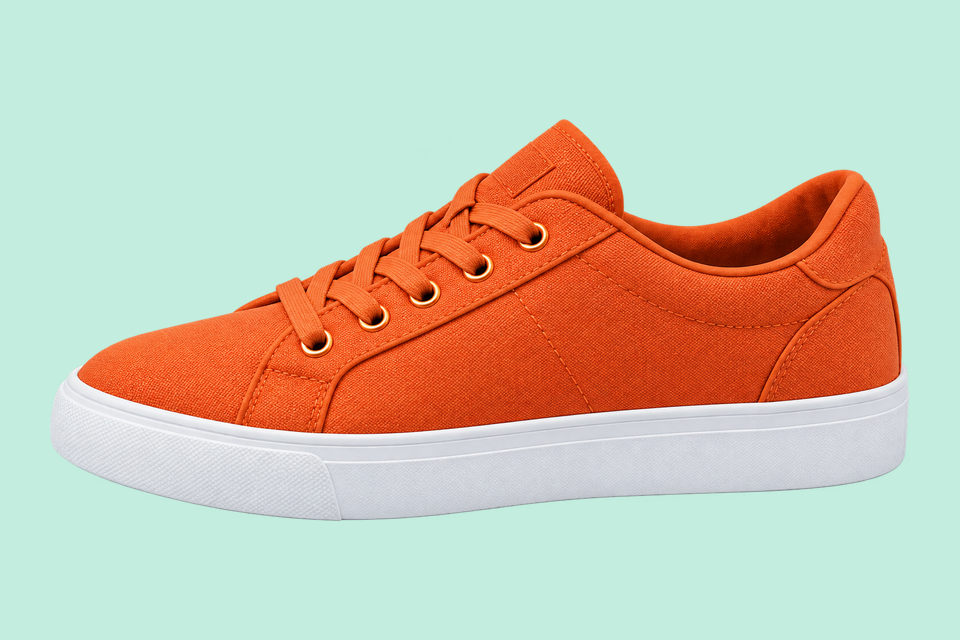
For areas with similar colors.
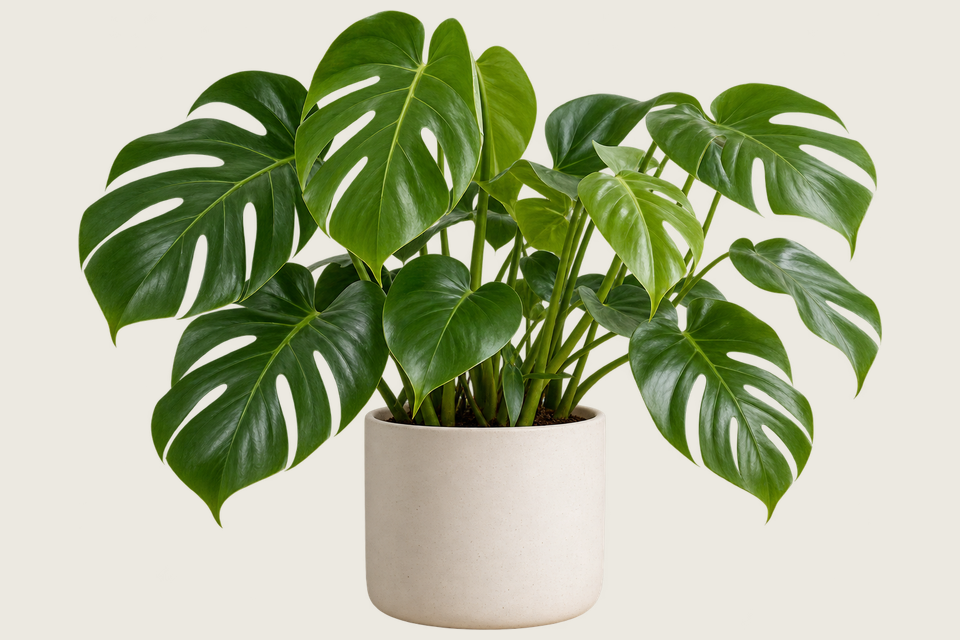
For a shape you define.
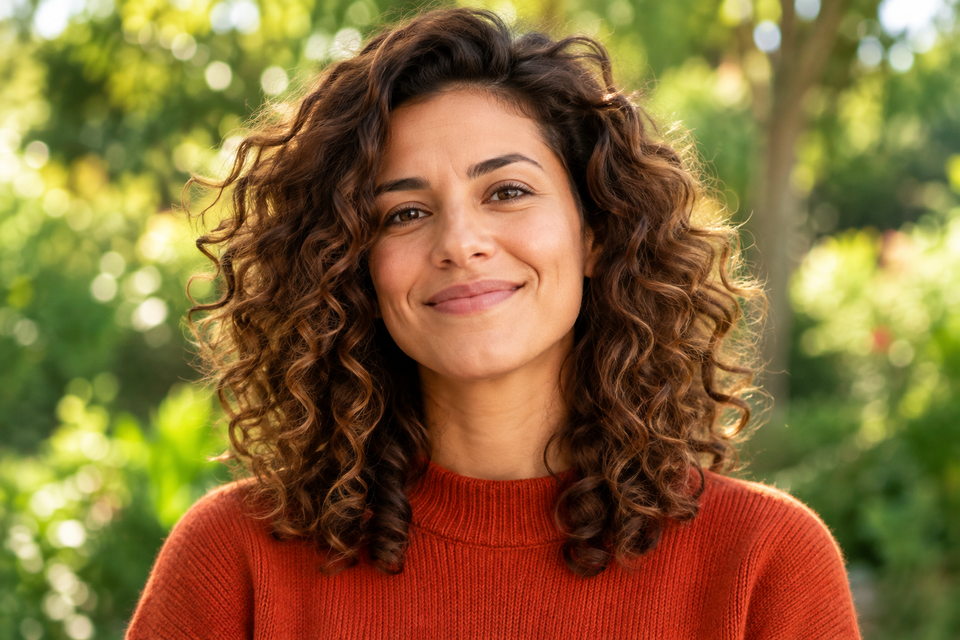
For subjects on complex backgrounds.
Hapus latar lama, rapikan tepi, dan simpan foto berlatar putih. Gambar tetap di browser Anda.
Pilih potongan AI untuk latar rumit, atau Classic untuk warna polos. Mulai pemrosesan saat Anda siap.
JPG uses a white background. Choose PNG for transparency.
Mulai berkaryaHELP
Quick answers before your next cutout.
Batch mengekspor PNG transparan ukuran asli kecuali Anda menerapkan templat produk.
Penghapusan latar AI gratis. Setiap 3 hasil berhasil, pilih platform untuk menutup pesan dan melanjutkan. Kegagalan atau pembatalan tidak dihitung.
No. Classic works without AI. Remove a simple background, use the magic wand or draw a lasso. AI cutout is optional for complex subjects.
Use a solid or nearly solid background with a subject of a different color. Gradients, shadows, subjects touching the border and matching colors may need a magic wand or lasso. An uncertain background is left unchanged.
Gambar Anda tetap di perangkat. Berbagi memakai gambar promosi Cutout yang disiapkan dan tautan alat, bukan gambar Anda sendiri.
JPG, JPEG, PNG and WebP up to 25 MiB. Images must also fit within 24 million pixels and 16,384 pixels on either side. Invalid replacements leave your current image in place.

