 Cutout
 元データ
元データ商品写真
Magic wandClick the background color.
 Cutoutby vztool
商品写真の背景を削除し、被写体を中央に配置して、指定サイズの白背景 JPG または透過 PNG を書き出せます。画像はブラウザー内に留まります。
Your images stay on your device.
TRY IT YOURSELF
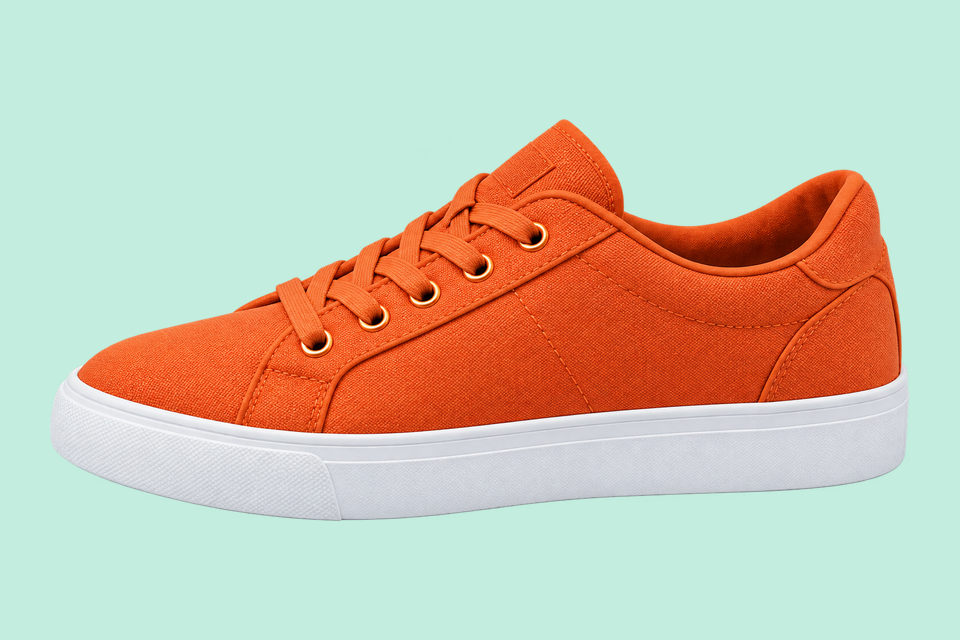
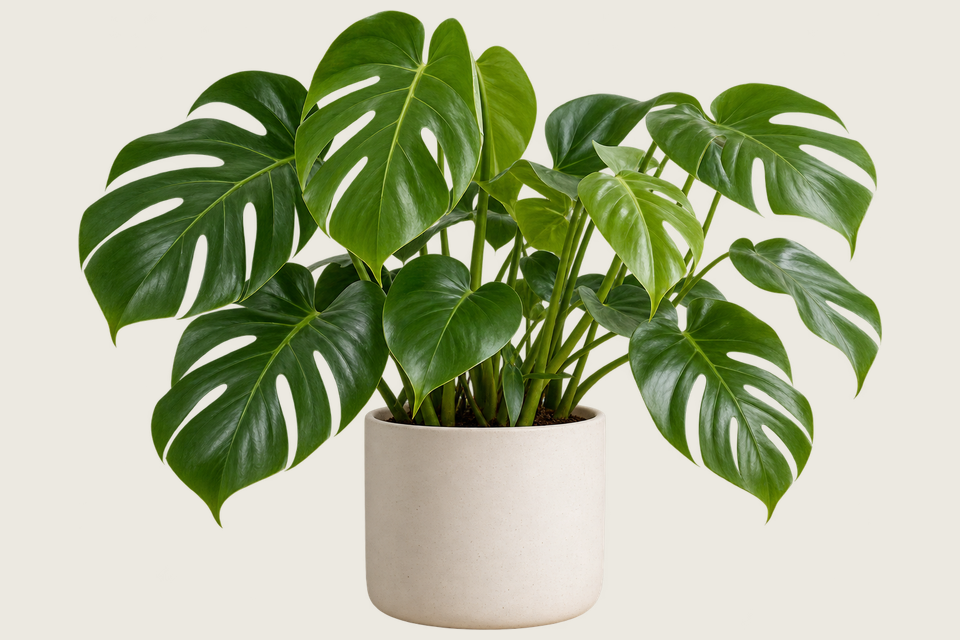
以下は作成済みの比較例です。「この画像を試す」で元の写真を読み込み、自分で処理して靴底、ボトルのキャップ、マグの持ち手を確認できます。
Cutout元データClick the background color.
 Cutout
 元データ
元データRemove the solid backdrop in one click.
 AI 切り抜き
 元データ
元データUse AI to remove the background inside the handle.
From photo to finished cutout, in four steps.
Drop a JPG, PNG or WebP, or try an example.
Click a color, draw a selection, or run AI cutout.
Zoom in, erase or restore, and soften the edge when needed.
Download a transparent PNG, a background-filled JPG, or the mask.
For areas with similar colors.
For a shape you define.

For subjects on complex backgrounds.
商品写真の背景を削除し、被写体を中央に配置して、指定サイズの白背景 JPG または透過 PNG を書き出せます。画像はブラウザー内に留まります。
初期設定は中央配置の 1200 × 1200 キャンバス、余白 5%、白背景 JPG です。書き出す前にサイズを変更できます。100% フィットでは小さな写真が拡大される場合があります。
For people, pets and objects. Requires WebGPU with float16.
靴ひも、ラベルの端、マグの持ち手の穴を実寸で確認してください。保存前に消去や復元ツールで欠けた細部を修正できます。
PNG は透明部分を保持できます。販売サイトの最新の画像規則を確認してください。このツールは規則への適合を認証しません。
作成を始めるHELP
Quick answers before your next cutout.
商品写真テンプレートを適用しなければ、元サイズの透過 PNG を一括出力します。
AI 背景削除は無料です。3 回成功するごとに共有先を選ぶと案内が閉じ、続けられます。失敗やキャンセルは数えません。
No. Classic works without AI. Remove a simple background, use the magic wand or draw a lasso. AI cutout is optional for complex subjects.
Use a solid or nearly solid background with a subject of a different color. Gradients, shadows, subjects touching the border and matching colors may need a magic wand or lasso. An uncertain background is left unchanged.
ご自身の画像は端末内に保存されます。共有には用意された Cutout の紹介画像とリンクを使い、ご自身の画像は含めません。
JPG, JPEG, PNG and WebP up to 25 MiB. Images must also fit within 24 million pixels and 16,384 pixels on either side. Invalid replacements leave your current image in place.

