 Cutout
 원본
원본제품 사진
Magic wandClick the background color.
 Cutoutby vztool
상품 사진의 배경을 제거하고 피사체를 가운데 배치한 뒤 원하는 크기의 흰 배경 JPG 또는 투명 PNG로 내보내세요. 이미지는 브라우저 안에 유지됩니다.
Your images stay on your device.
TRY IT YOURSELF
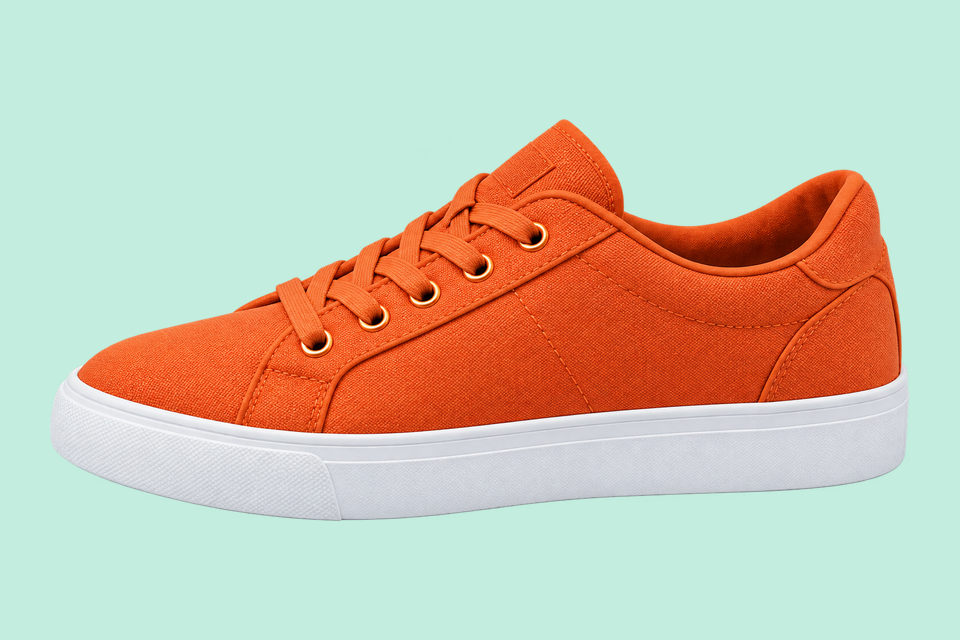
아래는 미리 만든 비교 예시입니다. 이 이미지 사용을 누르면 원본 사진이 열립니다. 직접 처리하여 밑창, 병뚜껑, 컵 손잡이를 확인하세요.
Cutout원본Click the background color.
 Cutout
 원본
원본Remove the solid backdrop in one click.
 AI 배경 제거
 원본
원본Use AI to remove the background inside the handle.
From photo to finished cutout, in four steps.
Drop a JPG, PNG or WebP, or try an example.
Click a color, draw a selection, or run AI cutout.
Zoom in, erase or restore, and soften the edge when needed.
Download a transparent PNG, a background-filled JPG, or the mask.
For areas with similar colors.
For a shape you define.

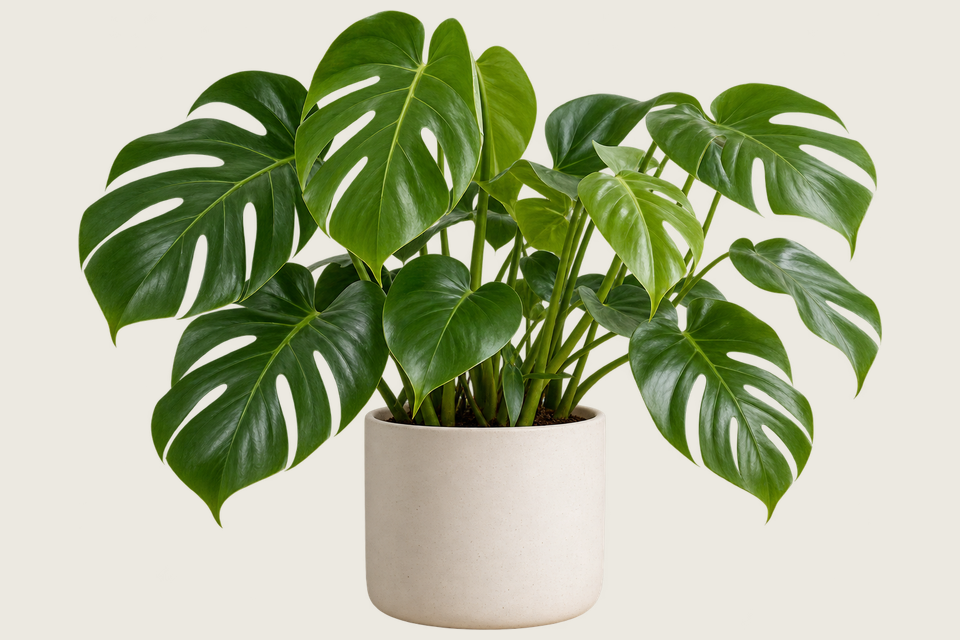
For subjects on complex backgrounds.
상품 사진의 배경을 제거하고 피사체를 가운데 배치한 뒤 원하는 크기의 흰 배경 JPG 또는 투명 PNG로 내보내세요. 이미지는 브라우저 안에 유지됩니다.
기본 설정은 중앙 배치된 1200 × 1200 캔버스, 5% 여백, 흰 배경 JPG입니다. 내보내기 전에 크기를 바꿀 수 있으며 100% 맞춤은 작은 사진을 확대할 수 있습니다.
For people, pets and objects. Requires WebGPU with float16.
실제 크기에서 신발 끈, 라벨 가장자리, 컵 손잡이 구멍을 확인하세요. 저장하기 전에 지우기 또는 복원 도구로 빠진 부분을 수정하세요.
PNG는 투명도를 유지할 수 있습니다. 판매 플랫폼의 최신 이미지 규정을 확인하세요. 이 도구는 규정 준수를 인증하지 않습니다.
만들기 시작HELP
Quick answers before your next cutout.
상품 템플릿을 적용하지 않으면 원본 크기 투명 PNG를 일괄 내보냅니다.
AI 배경 제거는 무료입니다. 3회 성공할 때마다 공유 플랫폼을 선택하면 안내가 닫히고 계속 사용할 수 있습니다. 실패와 취소는 횟수에 포함되지 않습니다.
No. Classic works without AI. Remove a simple background, use the magic wand or draw a lasso. AI cutout is optional for complex subjects.
Use a solid or nearly solid background with a subject of a different color. Gradients, shadows, subjects touching the border and matching colors may need a magic wand or lasso. An uncertain background is left unchanged.
사용자의 이미지는 기기에 남습니다. 공유에는 준비된 Cutout 홍보 이미지와 링크가 사용되며 사용자의 이미지는 포함되지 않습니다.
JPG, JPEG, PNG and WebP up to 25 MiB. Images must also fit within 24 million pixels and 16,384 pixels on either side. Invalid replacements leave your current image in place.

