 Cutout
 Asal
AsalFoto produk
Magic wandClick the background color.
 Cutoutby vztool
Buang latar lama, kemaskan tepi dan simpan foto berlatar putih. Imej kekal dalam pelayar anda.
Your images stay on your device.
TRY IT YOURSELF
Try people, pets and products. AI previews below are actual processed results.
CutoutAsalClick the background color.
 Cutout
 Asal
AsalRemove the solid backdrop in one click.
 Cutout
 Asal
AsalClick the backdrop to keep the fruit.
 Cutout
 Asal
AsalKeep the shape you choose.
 Potong dengan AI
 Asal
AsalRemove a garden background and keep natural curls.
 Potong dengan AI
 Asal
AsalSeparate soft fur from a busy background.
 Potong dengan AI
 Asal
AsalTry AI background removal on fine fur and whiskers.
 Potong dengan AI
 Asal
AsalKeep colorful feathers and remove the greenery.
 Potong dengan AI
 Asal
AsalUse AI to remove the background inside the handle.
 Potong dengan AI
 Asal
AsalTry AI on lettering and enclosed spaces.
From photo to finished cutout, in four steps.
Drop a JPG, PNG or WebP, or try an example.
Click a color, draw a selection, or run AI cutout.
Zoom in, erase or restore, and soften the edge when needed.
Download a transparent PNG, a background-filled JPG, or the mask.
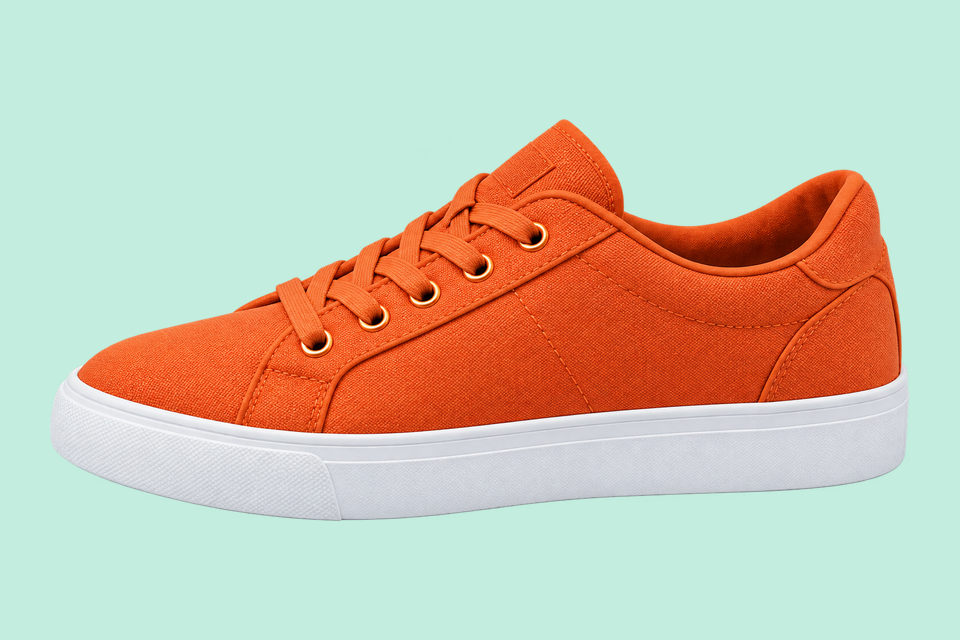
For areas with similar colors.
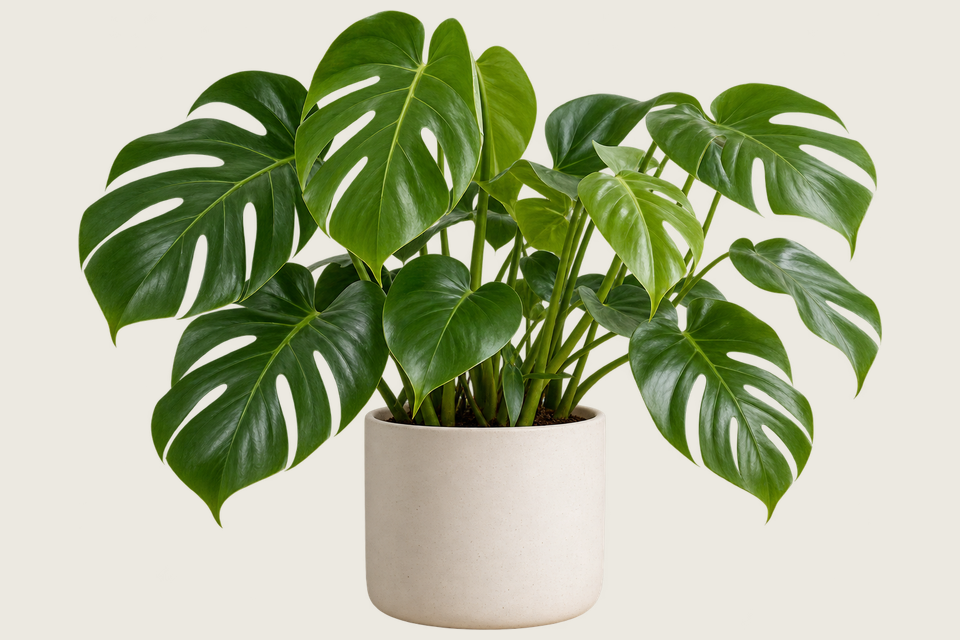
For a shape you define.

For subjects on complex backgrounds.
Buang latar lama, kemaskan tepi dan simpan foto berlatar putih. Imej kekal dalam pelayar anda.
Pilih potongan AI untuk latar rumit, atau Classic untuk warna sekata. Mulakan pemprosesan apabila anda bersedia.
JPG uses a white background. Choose PNG for transparency.
Mula berkaryaHELP
Quick answers before your next cutout.
Kelompok mengeksport PNG lutsinar saiz asal melainkan templat produk digunakan.
Pembuangan latar AI adalah percuma. Selepas setiap 3 hasil berjaya, pilih platform untuk menutup mesej dan meneruskan. Kegagalan atau pembatalan tidak dikira.
No. Classic works without AI. Remove a simple background, use the magic wand or draw a lasso. AI cutout is optional for complex subjects.
Use a solid or nearly solid background with a subject of a different color. Gradients, shadows, subjects touching the border and matching colors may need a magic wand or lasso. An uncertain background is left unchanged.
Imej anda kekal pada peranti. Perkongsian menggunakan imej promosi Cutout yang disediakan dan pautan alat, bukan imej peribadi anda.
JPG, JPEG, PNG and WebP up to 25 MiB. Images must also fit within 24 million pixels and 16,384 pixels on either side. Invalid replacements leave your current image in place.

