 Cutout
 Original
Produktfotos
Magic wandClick the background color.
 Cutoutby vztool
Alten Hintergrund entfernen, Kanten verfeinern und das Foto auf Weiß speichern. Das Bild bleibt im Browser.
Your images stay on your device.
TRY IT YOURSELF
Try people, pets and products. AI previews below are actual processed results.
CutoutOriginalClick the background color.
 Cutout
 Original
Remove the solid backdrop in one click.
 Cutout
 Original
Click the backdrop to keep the fruit.
 Cutout
 Original
Keep the shape you choose.
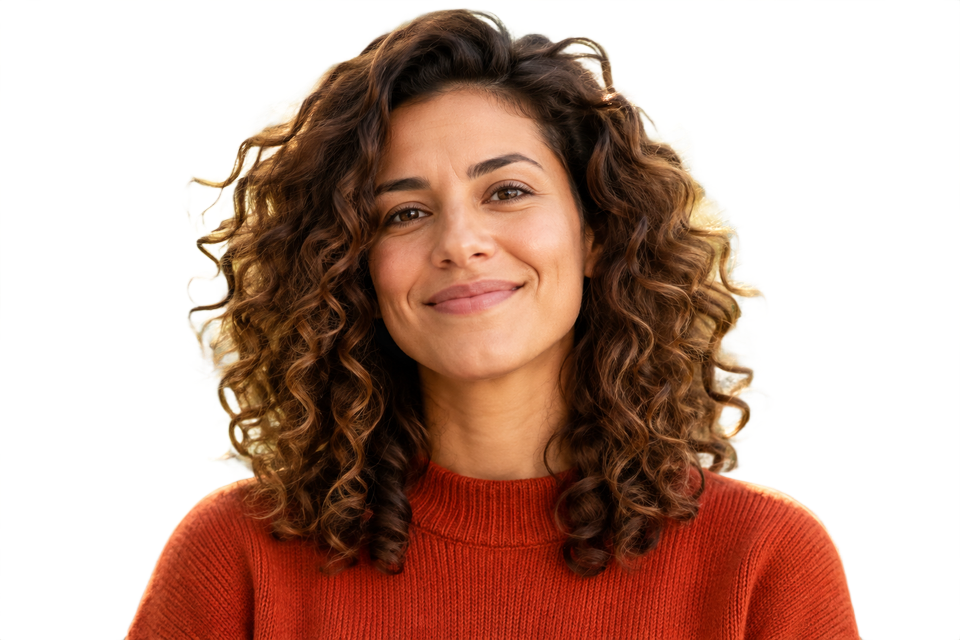 KI-Freistellung
 Original
Remove a garden background and keep natural curls.
 KI-Freistellung
 Original
Separate soft fur from a busy background.
 KI-Freistellung
 Original
Try AI background removal on fine fur and whiskers.
 KI-Freistellung
 Original
Keep colorful feathers and remove the greenery.
 KI-Freistellung
 Original
Use AI to remove the background inside the handle.
 KI-Freistellung
 Original
Try AI on lettering and enclosed spaces.
From photo to finished cutout, in four steps.
Drop a JPG, PNG or WebP, or try an example.
Click a color, draw a selection, or run AI cutout.
Zoom in, erase or restore, and soften the edge when needed.
Download a transparent PNG, a background-filled JPG, or the mask.
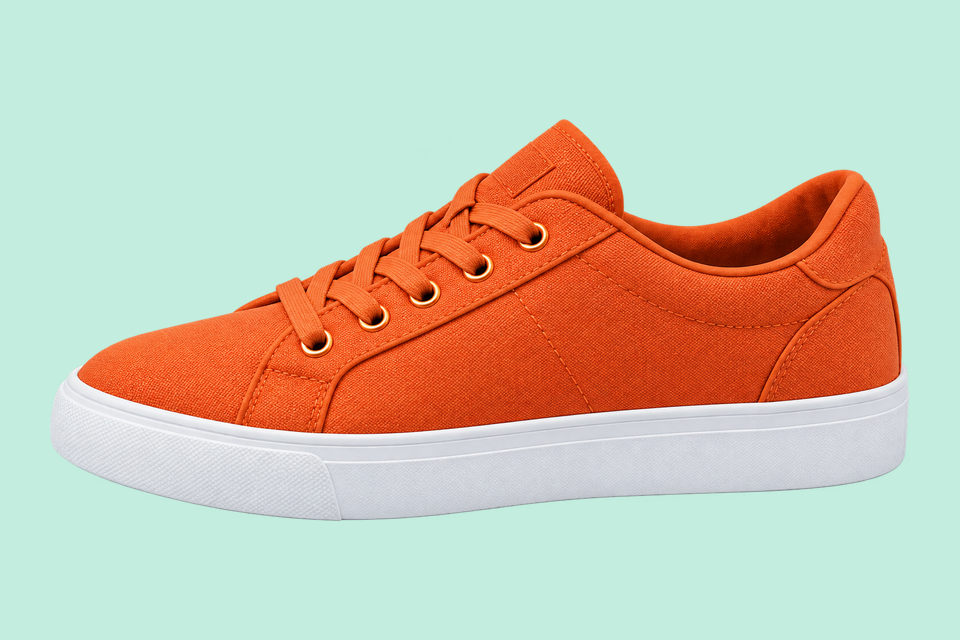
For areas with similar colors.
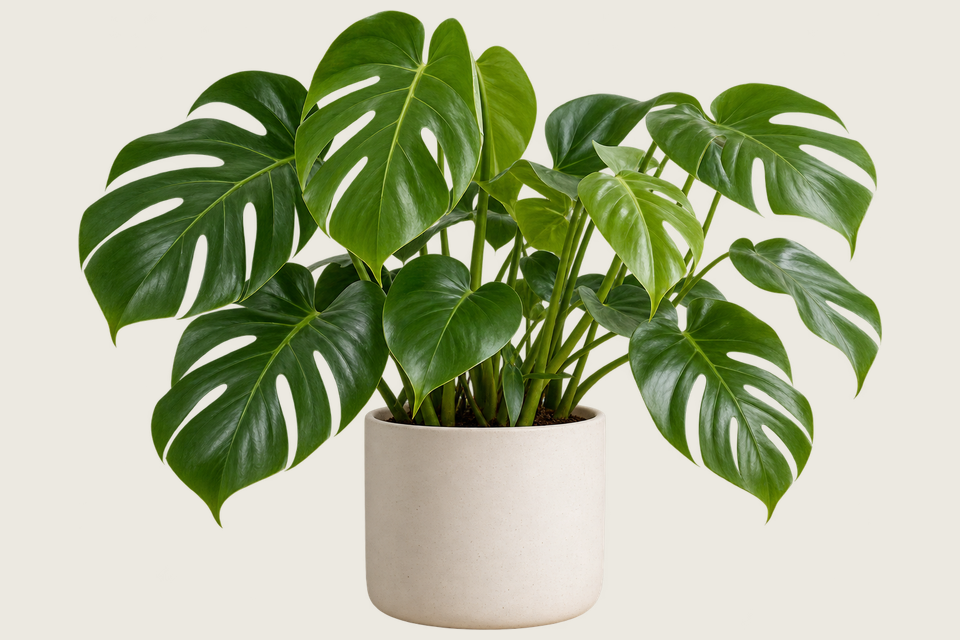
For a shape you define.
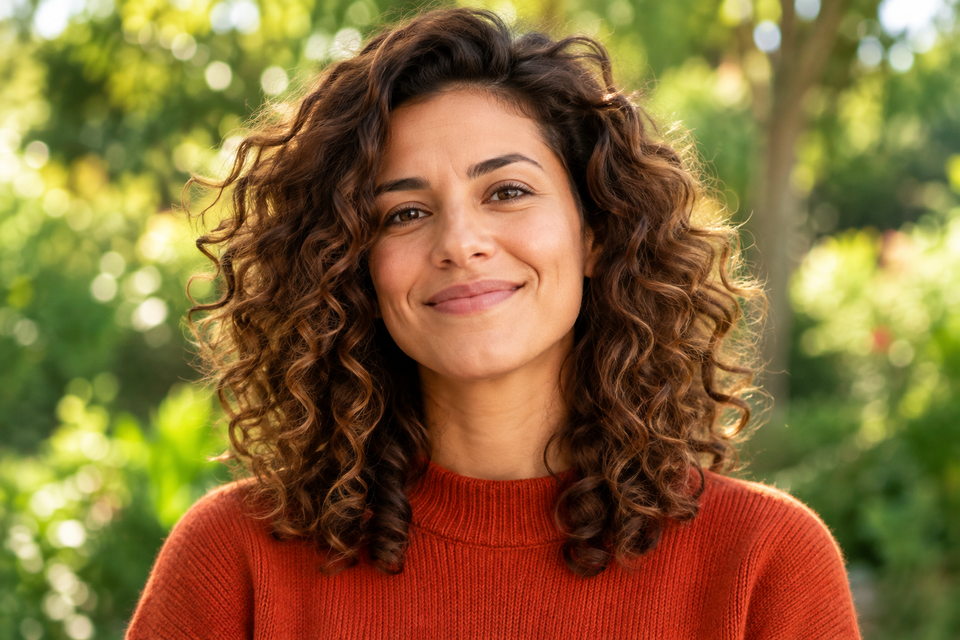
For subjects on complex backgrounds.
Alten Hintergrund entfernen, Kanten verfeinern und das Foto auf Weiß speichern. Das Bild bleibt im Browser.
Für komplexe Hintergründe KI-Freistellung, für einfarbige Hintergründe Classic wählen. Verarbeitung starten, wenn alles bereit ist.
JPG uses a white background. Choose PNG for transparency.
Jetzt gestaltenHELP
Quick answers before your next cutout.
Der Stapel exportiert transparente PNGs in Originalgröße, sofern keine Produktvorlage angewendet wird.
KI-Freistellung ist kostenlos. Wähle nach jeweils 3 erfolgreichen Freistellungen eine Plattform, um den Hinweis zu schließen und fortzufahren. Fehler und Abbrüche zählen nicht.
No. Classic works without AI. Remove a simple background, use the magic wand or draw a lasso. AI cutout is optional for complex subjects.
Use a solid or nearly solid background with a subject of a different color. Gradients, shadows, subjects touching the border and matching colors may need a magic wand or lasso. An uncertain background is left unchanged.
Deine Bilder bleiben auf deinem Gerät. Geteilt werden ein vorbereitetes Cutout-Werbebild und der Link, niemals deine eigenen Bilder.
JPG, JPEG, PNG and WebP up to 25 MiB. Images must also fit within 24 million pixels and 16,384 pixels on either side. Invalid replacements leave your current image in place.

