 Cutout
 原圖
原圖商品照片
Magic wandClick the background color.
 Cutoutby vztool
去除原背景,選擇純色或自己的照片,再將結果儲存為 PNG 或 JPG。兩張圖片都留在瀏覽器中。
Your images stay on your device.
TRY IT YOURSELF
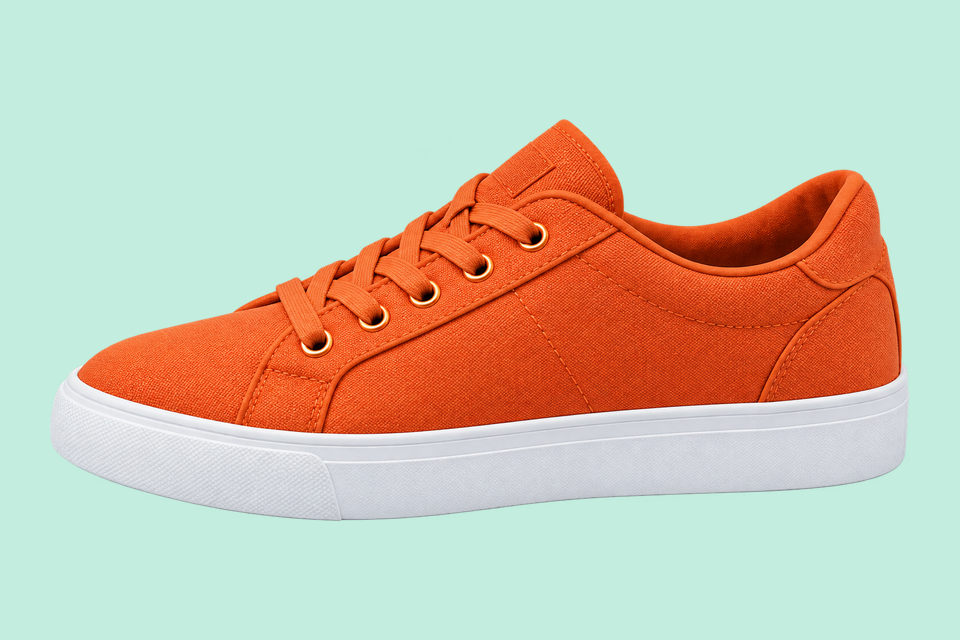
下方為預先製作的薄荷色背景對比。「試用此圖片」會載入原圖;請自行去背,再選擇顏色或照片。
Cutout原圖Click the background color.
 Cutout
 原圖
原圖Remove the solid backdrop in one click.
 AI 去背
AI 去背 原圖
原圖Remove a garden background and keep natural curls.
From photo to finished cutout, in four steps.
Drop a JPG, PNG or WebP, or try an example.
Click a color, draw a selection, or run AI cutout.
Zoom in, erase or restore, and soften the edge when needed.
Download a transparent PNG, a background-filled JPG, or the mask.
For areas with similar colors.
For a shape you define.

For subjects on complex backgrounds.
去除原背景,選擇純色或自己的照片,再將結果儲存為 PNG 或 JPG。兩張圖片都留在瀏覽器中。
先用 Classic 或 AI 去背移除原背景,再修整邊緣。選擇新背景不會自動移除舊背景。
預設使用薄荷色,也可選擇自訂顏色或上傳背景照片。照片填滿畫布;調整水平和垂直位置可選擇裁切範圍。
更換背景會沿用現有去背結果,不會再次執行 AI,也不會生成新場景。
PNG 也會儲存所選背景。要匯出透明去背圖,請選擇「透明」;JPG 會將透明區域填為白色。
開始創作HELP
Quick answers before your next cutout.
批次預設匯出原尺寸透明 PNG,套用商品圖範本後使用範本設定。
AI 去背免費使用。每成功處理 3 次,需選擇一個分享平台關閉彈窗後繼續。失敗或取消不計次。
No. Classic works without AI. Remove a simple background, use the magic wand or draw a lasso. AI cutout is optional for complex subjects.
Use a solid or nearly solid background with a subject of a different color. Gradients, shadows, subjects touching the border and matching colors may need a magic wand or lasso. An uncertain background is left unchanged.
你的圖片留在本機,分享使用預備的 Cutout 宣傳圖與工具連結,不會包含你自己的圖片。
JPG, JPEG, PNG and WebP up to 25 MiB. Images must also fit within 24 million pixels and 16,384 pixels on either side. Invalid replacements leave your current image in place.

