 AI cutout
 Original
Portraits & hair
AI cutoutRemove a garden background and keep natural curls.
 Cutoutby vztool
Remove the background from a portrait, check fine hair and shoulders, and save a transparent PNG. Your photo stays in your browser.
Your images stay on your device.
TRY IT YOURSELF
This prepared example uses an actual AI cutout. Load the original to remove its background, choose a color and export your own photo.
AI cutoutOriginalRemove a garden background and keep natural curls.
 AI cutout
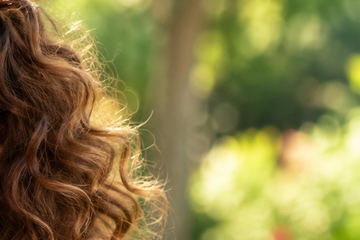 Original
Inspect the spaces between curls. Soft edges can retain the original background color.
 AI cutout
 Original
Check clothing against a light and a dark background before saving.
From photo to finished cutout, in four steps.
Upload a portrait with the full hair and shoulders you want to keep.
Run AI cutout to remove the original background. Refine the edges if needed.
Zoom in, use a small brush, and inspect on white and black. Undo restores the previous stroke.
Save a transparent PNG, choose a new background, or blur the original. Mask PNG contains only the cutout mask.
Remove the background from a portrait, check fine hair and shoulders, and save a transparent PNG. Your photo stays in your browser.
AI runs only when you click AI cutout.
Inspect hair gaps and shoulder edges at full size. Use a small Erase or Restore brush and Undo to correct a completed stroke.
Check soft edges on white and black before exporting. Feather softens a mask; it does not remove color spill or recover missing strands.
Choose Blur original background for a softer backdrop, or Transparent for a cutout. This tool does not validate ID-photo requirements.
Start creatingHELP
Quick answers before your next cutout.
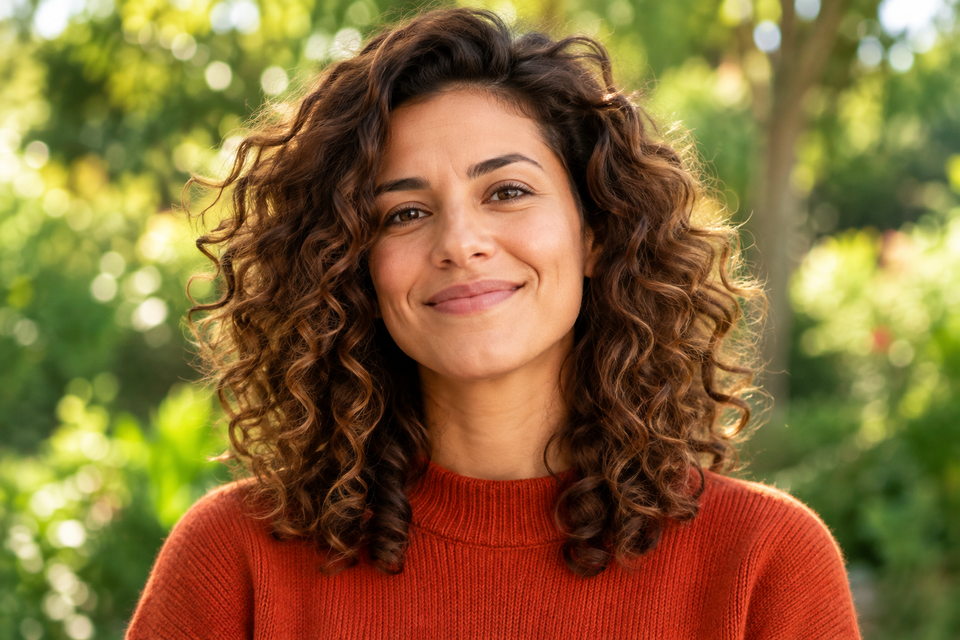
Batch exports transparent PNGs at original dimensions unless you apply a product photo template.
AI cutout is free. After every 3 successful cutouts, choose a sharing platform to close the prompt and continue. Failed or cancelled runs do not count.
No. Classic works without AI. Remove a simple background, use the magic wand or draw a lasso. AI cutout is optional for complex subjects.
Use a solid or nearly solid background with a subject of a different color. Gradients, shadows, subjects touching the border and matching colors may need a magic wand or lasso. An uncertain background is left unchanged.
Your images stay on your device. Sharing uses a prepared Cutout promotional image and the tool link, never your own images.
JPG, JPEG, PNG and WebP up to 25 MiB. Images must also fit within 24 million pixels and 16,384 pixels on either side. Invalid replacements leave your current image in place.