 Cutout
 Original
Product photos
Magic wandClick the background color.
 Cutoutby vztool
Remove product photo backgrounds, center the subject and export a white JPG or transparent PNG at your chosen size. Your images stay in your browser.
Your images stay on your device.
TRY IT YOURSELF
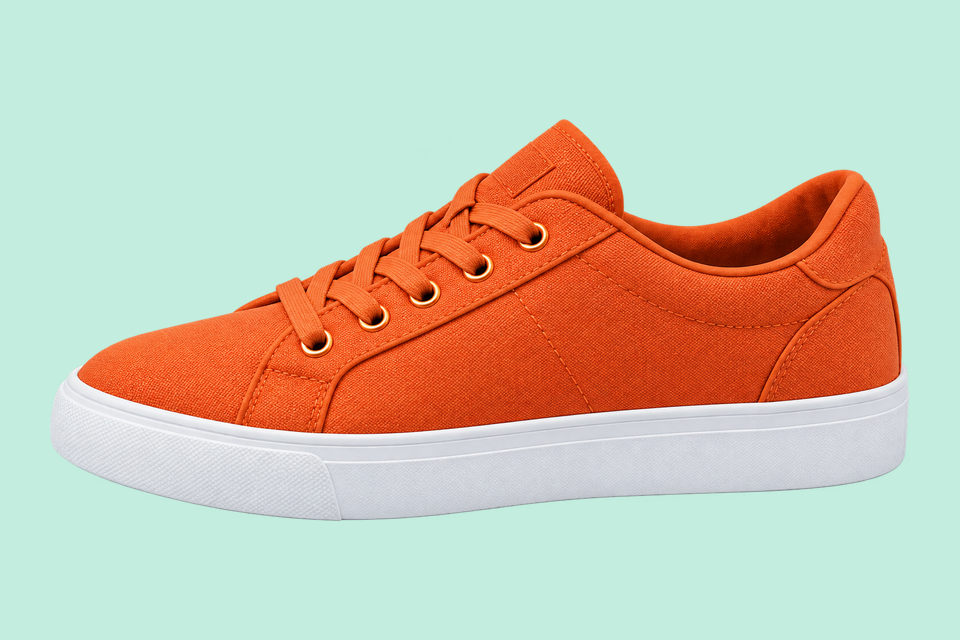
These are prepared comparisons. Try this image loads the original photo; process it yourself to check the sole, bottle cap or mug handle.
CutoutOriginalClick the background color.
 Cutout
 Original
Remove the solid backdrop in one click.
 AI cutout
 Original
Use AI to remove the background inside the handle.
From photo to finished cutout, in four steps.
Drop a JPG, PNG or WebP, or try an example.
Click a color, draw a selection, or run AI cutout.
Zoom in, erase or restore, and soften the edge when needed.
Download a transparent PNG, a background-filled JPG, or the mask.
For areas with similar colors.
For a shape you define.

For subjects on complex backgrounds.
Remove product photo backgrounds, center the subject and export a white JPG or transparent PNG at your chosen size. Your images stay in your browser.
Start with a centered 1200 × 1200 canvas, 5% padding and white JPG. Change the dimensions before exporting; 100% fit may enlarge small photos.
For people, pets and objects. Requires WebGPU with float16.
Check laces, label edges and handle openings at full size. Use Erase or Restore to correct missing details before saving.
PNG can keep transparency. Check your marketplace’s current image rules; this tool does not certify compliance.
Start creatingHELP
Quick answers before your next cutout.
Batch exports transparent PNGs at original dimensions unless you apply a product photo template.
AI cutout is free. After every 3 successful cutouts, choose a sharing platform to close the prompt and continue. Failed or cancelled runs do not count.
No. Classic works without AI. Remove a simple background, use the magic wand or draw a lasso. AI cutout is optional for complex subjects.
Use a solid or nearly solid background with a subject of a different color. Gradients, shadows, subjects touching the border and matching colors may need a magic wand or lasso. An uncertain background is left unchanged.
Your images stay on your device. Sharing uses a prepared Cutout promotional image and the tool link, never your own images.
JPG, JPEG, PNG and WebP up to 25 MiB. Images must also fit within 24 million pixels and 16,384 pixels on either side. Invalid replacements leave your current image in place.

